Preparing Public Institutions for Windows 10 EOS: Schools and Government Offices Must Act
All-in-One PCs ,
Desktops
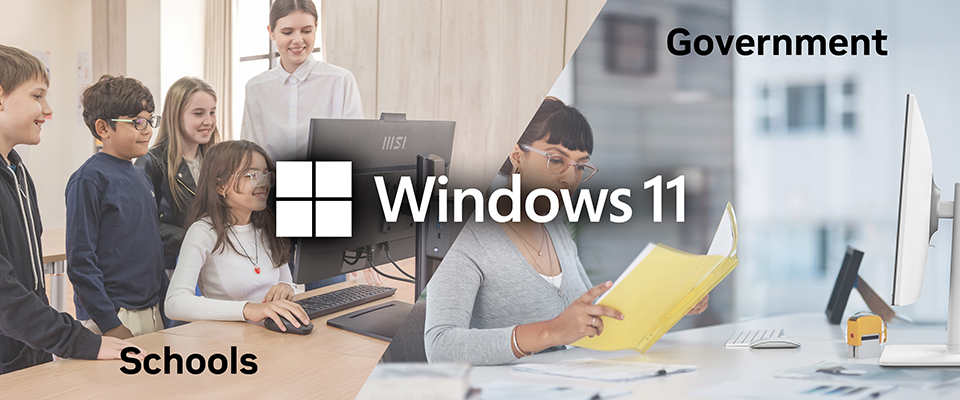
Windows 10 End of Support (EOS)
Microsoft officially ended support for Windows 10 on October 14, 2025. Since that date, devices running Windows 10 no longer receive software updates, security patches, or technical assistance, significantly increasing the risk of security vulnerabilities. For public institutions such as schools and government offices, where large-scale IT systems and sensitive data are involved, upgrading is no longer a matter of preparation but of immediate action.
If your PCs are eligible, upgrade to Windows 11 for free or enroll in the one-year Extended Security Updates (ESU) program to maintain short-term protection. If existing devices are not eligible for the upgrade, or if your organization is planning a broader IT modernization, consider deploying new PCs powered by Windows 11 to ensure long-term security, performance, and manageability.
Impact on Public Institutions
Modern public institutions, especially in education and government, rely on technology that supports security, efficiency, and accessibility. As these environments increasingly depend on digital platforms and hybrid operations, outdated systems can hinder both productivity and innovation.
Key challenges include:
- Heightened cybersecurity risks: Without critical updates, systems become more vulnerable to malware, ransomware, and data breaches.
- Software incompatibility: Many modern applications and services may no longer support Windows 10, limiting functionality and integration.
- Maintenance challenges: IT teams must spend more time maintaining legacy systems, diverting resources from strategic digital transformation initiatives.
Upgrading to Windows 11 helps public institutions strengthen security, maintain compatibility with modern applications, and achieve long-term operational efficiency.
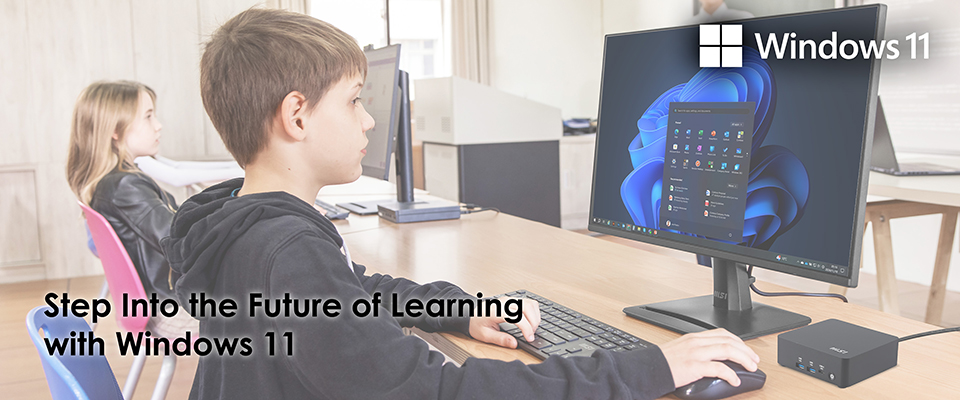
For Education
Schools and universities depend on secure, reliable, and easy-to-manage technology to support teaching, learning, and administration. However, using outdated systems may expose institutions to growing security risks, reduce performance reliability, and limit compatibility with modern applications.
Windows 11 offers a modern platform designed to enhance the educational experience through:
- Simplified management tools that help IT administrators deploy and maintain devices efficiently.
- Enhanced accessibility and user experience, supporting students and educators of all abilities.
- Comprehensive support for hybrid learning, enabling flexible, cloud-connected collaboration through tools and on-device AI experiences that drive long-term innovation in education.
Built for performance, security, and a seamless user experience, Windows 11 helps educators and students stay productive and engaged. Microsoft also offers Windows 11 Education, a version tailored for schools and universities with additional tools and features that make learning more inclusive, equitable, and connected. It is an ideal solution for institutions aiming to future-proof their technology and empower students with tools that enhance creativity, collaboration, and accessibility.
For Government
Government agencies and public service offices handle sensitive information and depend on secure, efficient, and reliable IT systems to deliver essential services. Continuing to use unsupported operating systems increases exposure to cybersecurity threats, operational inefficiencies, and software incompatibility.
Windows 11 provides a trusted platform designed to strengthen security, streamline device management, and enhance productivity across departments. Key benefits include:
- Advanced security features such as hardware-based protection and built-in safeguards to defend against modern cyberattacks.
- Simplified IT management that enables faster deployment, policy control, and maintenance across large device fleets.
- Optimized performance and user experience, allowing government employees to work efficiently both in the office and remotely.
- Compatibility with modern applications, supporting digital government initiatives and e-services.
Windows 11 helps government organizations modernize operations while protecting critical data and maintaining regulatory compliance. It empowers public institutions to focus on delivering efficient, transparent, and responsive services in a digitally connected environment.
Upgrade to Windows 11 Now
Whether in classrooms or government offices, modern institutions rely on secure, high-performing, and easy-to-manage technology to operate effectively. Upgrade to Windows 11 to safeguard your organization’s data, empower users with modern tools, and prepare for the future of work and learning.
Learn more on MSI’s official Windows 11 upgrade page:
https://www.msi.com/Landing/windows-11-upgrade
https://www.msi.com/Landing/windows-11-upgrade